Examples
The ASW repository has an example program for each part of the library. You can play each one here in your browser: press Play, then click the game to give it the keyboard. The examples are the same C++ programs as on desktop, built to WebAssembly with Emscripten.
 Advanced lighting
 Lighting
 Particles
 Scenes
 Camera
 Sound
Sound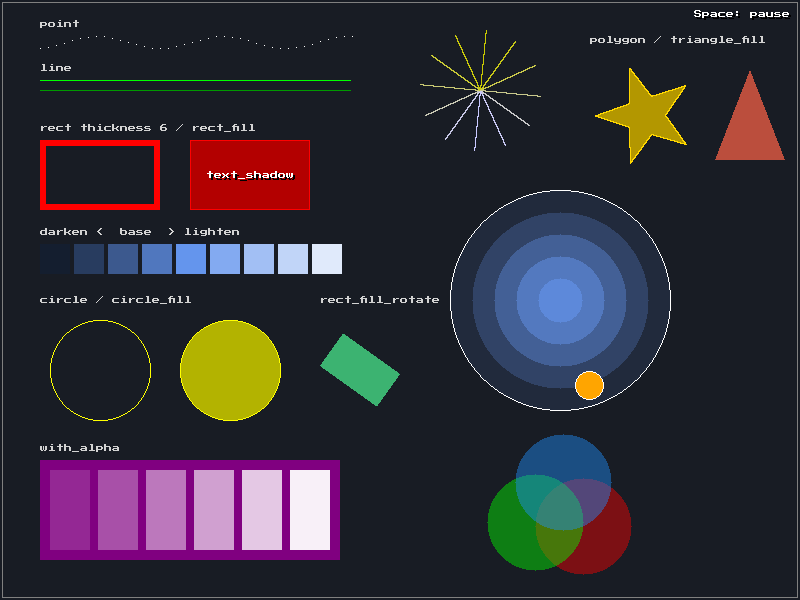 Primitives
 Text
Text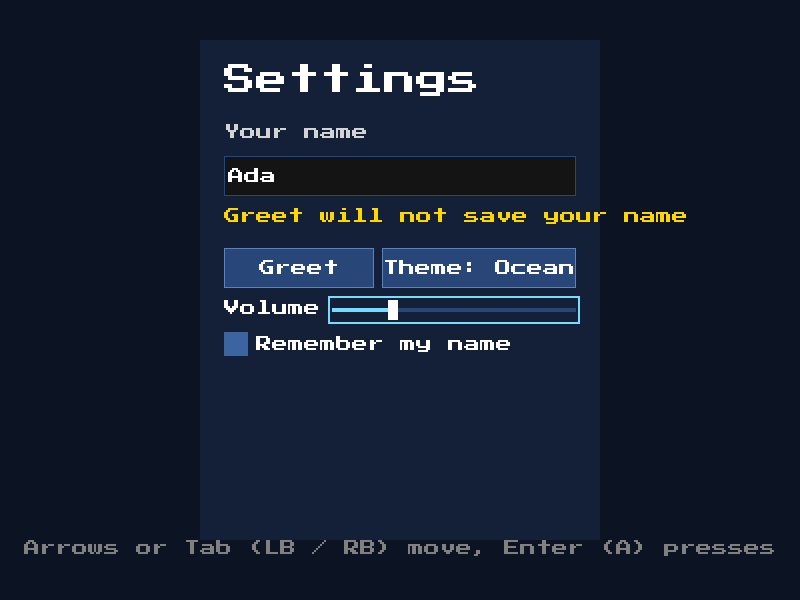 UI
UI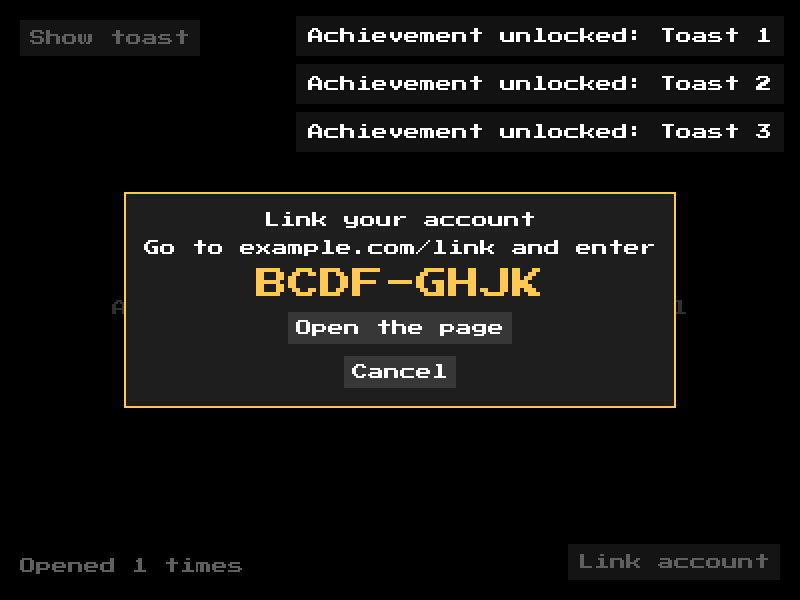 Overlays
 Easing
 Keyboard
 Mouse
Mouse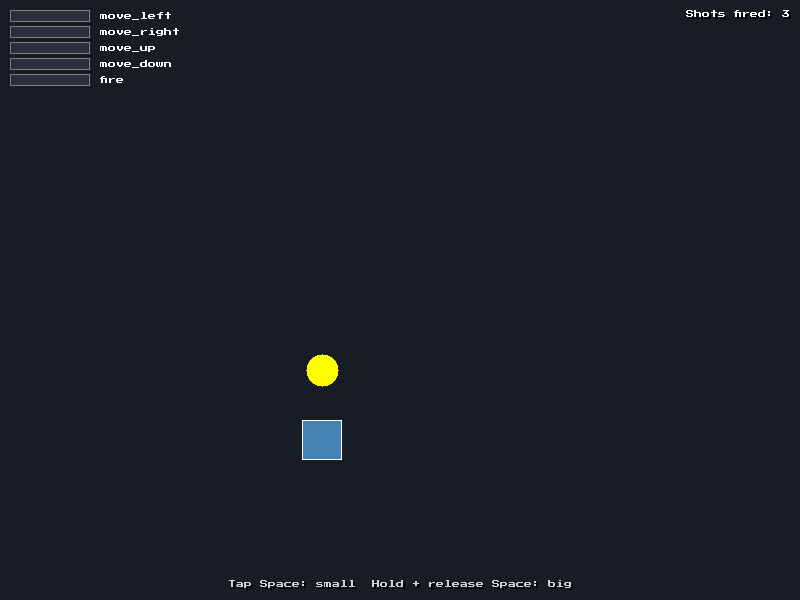 Actions
 Controller
Running the examples
git clone https://github.com/adsgames/asw.git
cd asw
cmake --preset debug -DASW_BUILD_EXAMPLES=ON
cmake --build --preset debug
./build/debug/bin/example_lighting
Each example is in build/debug/bin/ as example_<name>. If an example uses assets, the build copies them next to the executable.
To build the examples for the browser, use the Emscripten toolchain, then serve the output folder:
emcmake cmake -S . -B build/web -DCMAKE_BUILD_TYPE=Release -DASW_BUILD_EXAMPLES=ON
cmake --build build/web
cd build/web/bin && python3 -m http.server
Then open http://localhost:8000/example_particles.html. The examples use asw::core::run() for their main loop, so the same code runs on desktop and in the browser.
Each example also has a scripted run. It uses simulated input to play itself, saves autorun.png with screenshot, and quits. With the dummy video driver, no window opens:
ASW_EXAMPLE_AUTORUN=1 SDL_VIDEO_DRIVER=dummy ./build/debug/bin/example_particlesIn the browser, add ?autorun to the address of an example. The screenshots on this page come from these scripted runs in the browser, taken for each ASW release.
Graphics
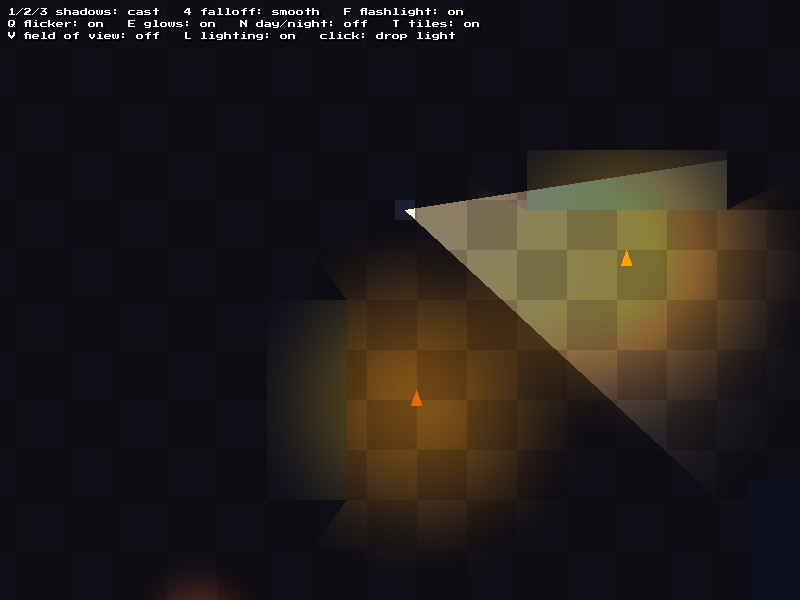
Advanced lighting
A dark level lit with the lighting module. The camera scrolls, and the lights stay in place in the world.
asw::lighting::LightMapwith a camera- Point lights and spot lights, with
Linear,SmoothandQuadraticfalloff - Flicker and pulse on lights
- Occluders with
CastandVisibilityshadows add_glow()for sprites that give off light, such as lavaasw::lighting::AmbientCyclefor day and nightasw::lighting::TileLightfor light that spreads across a tile gridasw::geometry::visibility()as a field of viewasw::draw::polygon_fill(),polygon()andtriangle_fill()
Controls: WASD / arrows move. The mouse aims the flashlight. Left click drops a colored light. F toggles the flashlight. 1 / 2 / 3 select no shadows, cast shadows and visibility shadows. 4 selects the next falloff. Q toggles flicker and pulse. E toggles glows. N toggles the day and night cycle. T toggles tile lighting. V shows the field of view. L toggles lighting.
View source · Lighting · Geometry
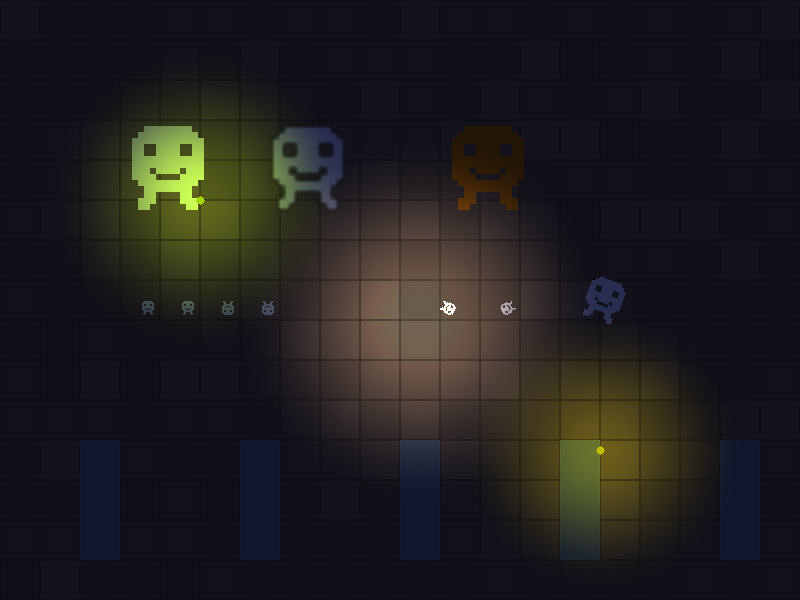
Lighting
Render targets, blend modes and sprite drawing, without the lighting module. A light map is made from radial gradients drawn with BlendMode::Add into a texture. The light map is then drawn over the scene with BlendMode::Modulate.
asw::assets::create_texture()andasw::display::set_render_target()to draw textures at runtimeasw::draw::set_scale_mode():NearestandLinearon the same artasw::draw::rotate_sprite(),sprite_flip()andstretch_sprite()asw::draw::stretch_sprite_rotate()to scale, rotate and flip in one callasw::draw::set_tint()andset_alpha()
Controls: Mouse moves the torch. Left click drops a colored light. L toggles lighting. 1 / 2 / 3 select dusk, night and pitch black.
View source · Draw · Assets
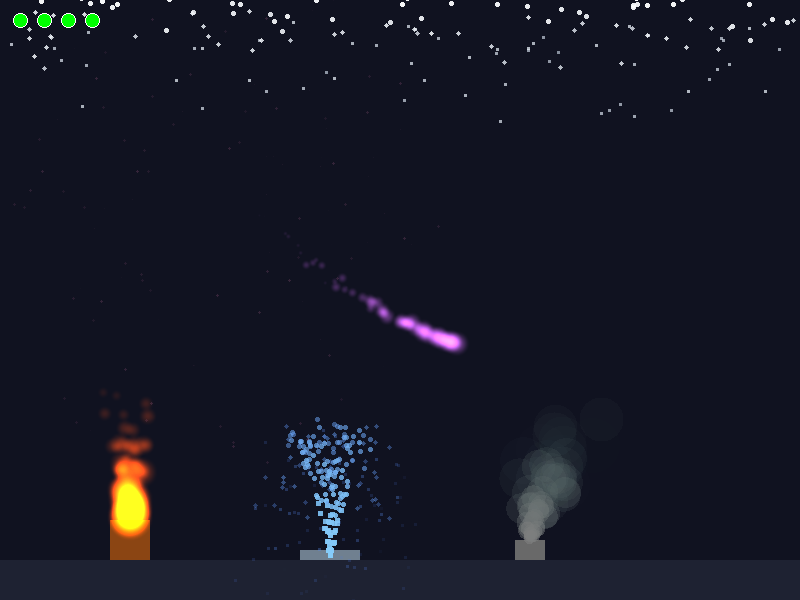
Particles
Fire, fountain, smoke, snow and a glowing trail that follows the mouse.
asw::ParticleConfig: lifetime, speed, angle, color, size and gravityasw::ParticleEmitter: continuous emission (set_emission_rate,start,stop) and bursts (emit)- Textured particles from
asw::assets::create_radial_gradient() - Additive blending with
asw::draw::set_blend_mode()andset_tint()
Controls: 1–4 toggle the emitters. Left click makes a firework burst at the cursor.
Primitives
asw::draw::point(),line(),rect(),rect_fill(),circle()andcircle_fill()asw::draw::rect()with a thickness, andrect_fill_rotate()asw::draw::triangle_fill(),polygon()andpolygon_fill()with a concave shapeasw::draw::text()andtext_shadow()asw::colorconstants andColorhelpers (lighten,darken,with_alpha)- Alpha blending of shapes that overlap
Controls: Space pauses the animation.
View source · Draw · Color
Text
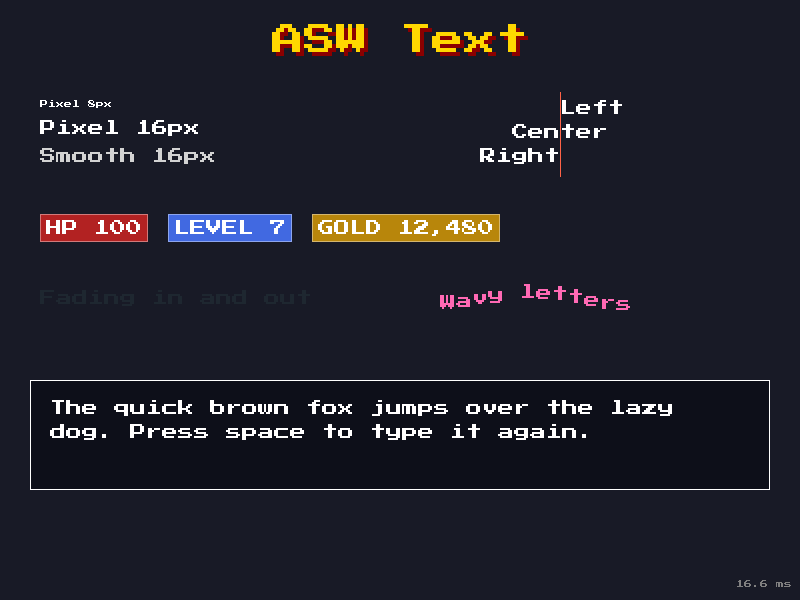
asw::assets::load_font()withFontStyle::PixelandFontStyle::Smooth- Font caching with
load_font(..., key)andget_font(key) asw::draw::text()withLeft,CenterandRightjustification, andtext_shadow()- Text that fades through the alpha of its color
asw::util::get_text_size()to fit boxes around text, andget_font_height()for line spacing
Controls: Space restarts the typewriter.
View source · Draw · Assets
Easing
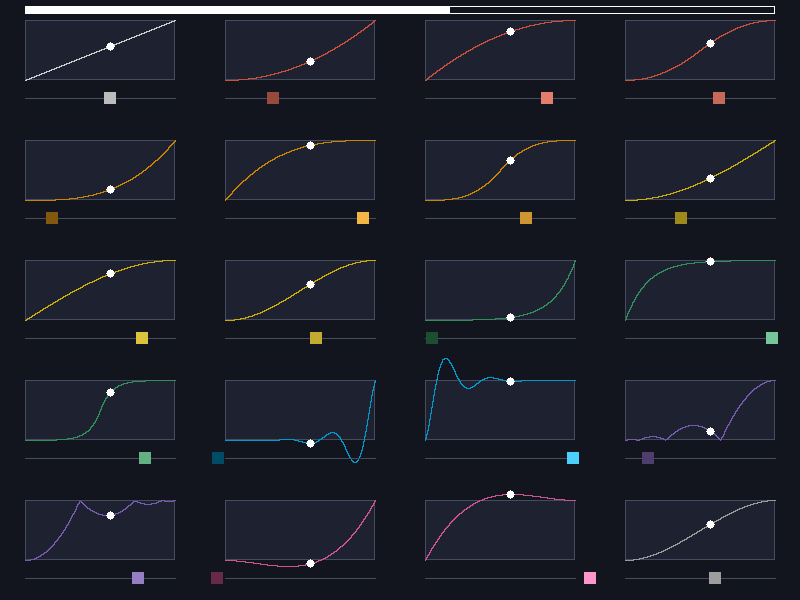
Each cell plots one asw::easing function as a curve, with smoothstep last, with a dot that moves along it. The bar under each curve moves by the eased value, so you can easily see overshoot and bounce.
Controls: Space pauses. Up / Down change the speed.
Game Framework
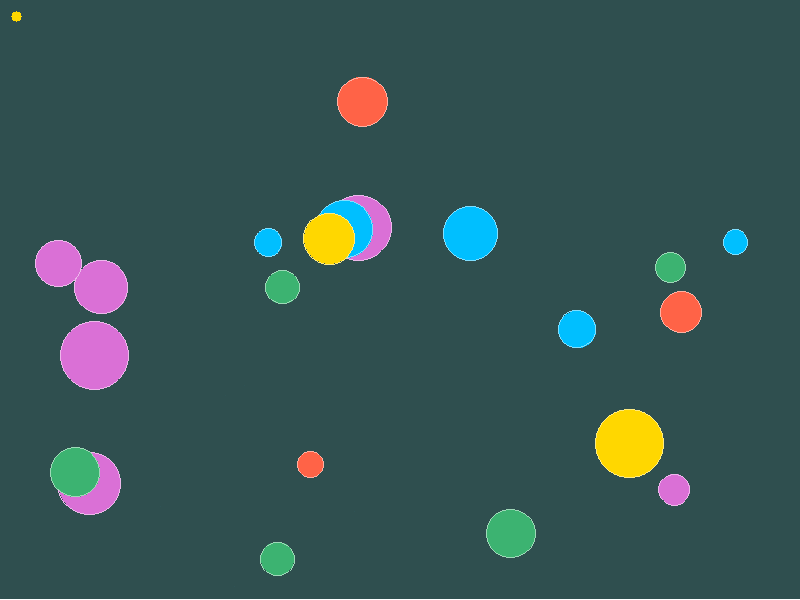
Scenes
A title screen and a ball-popping game.
asw::scene::SceneManagerwith two scenes and scene switchingScene::create_object()andget_object_view()asw::game::GameObjectwith aPhysicsbody,z_index,alphaandaliveasw::ParticleEmitterused as a scene objectasw::easingandasw::randomfor animation and spawning
Controls: Enter starts the game. Left click pops a ball, or makes a ball on empty space. Space makes ten balls.
View source · Scene · Game Objects
Camera
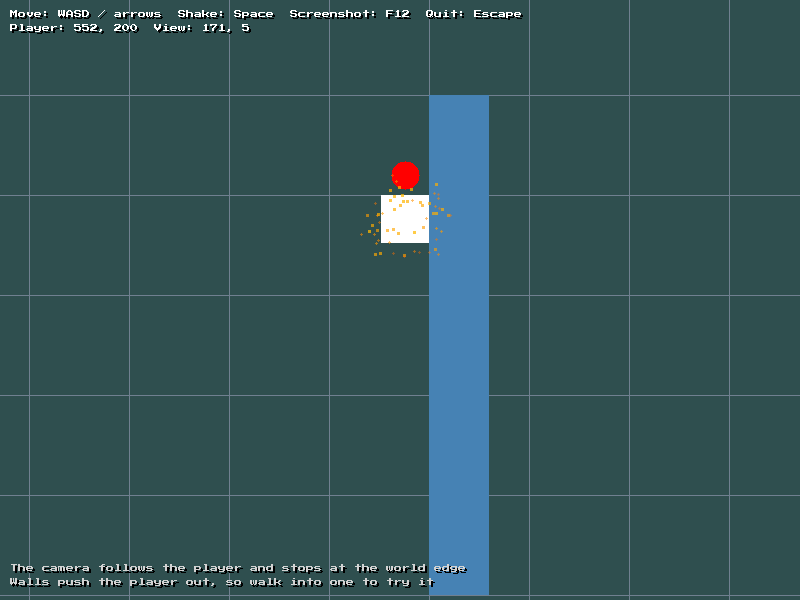
A scrolling world.
asw::Camerafollows the player, stays inside the world and shakesasw::Quad::get_push_out()stops the player from walking through wallsasw::SpriteSheetandasw::Animationfor an animated spriteasw::ParticleEmitterdrawn in world space through the camera
Controls: WASD / arrows move. Space shakes the camera and makes a burst of particles. F12 saves a screenshot.
View source · Camera · Sprite Sheet
UI
asw::ui::Rootcontrols input, layout and drawingPanel,Stack,Label,Button,Choice,Slider,CheckboxandInputBox, withon_clickandon_changecallbacks- The theme font, so widgets do not each need a font
- Keyboard and controller navigation with
asw::ui::bind_default_navigation()andRoot::on_back - Changes to
asw::ui::Themeat runtime, and aButtonStylefor one button asw::assets::get_save_path()keeps the name between runsasw::dialog::request_file()andtake_file()for a native file chooser, andconfirm()andwarn()message boxes
View source · UI Widgets · Dialog
Overlays
Widget::anchorpins buttons to the corners of the screenRoot::toast()for short messages, with the themetoast.anchorset toTopRightRoot::open_modal()withadd_text(),add_button()andon_closeasw::util::open_url()to open a web pageasw::assets::write_save()andread_save()count the runs, also in the browser
Controls: Mouse clicks buttons. Arrows / D-pad move focus, and Enter / A presses. Escape / B closes the modal.
View source · UI Widgets · Assets
Audio
Sound
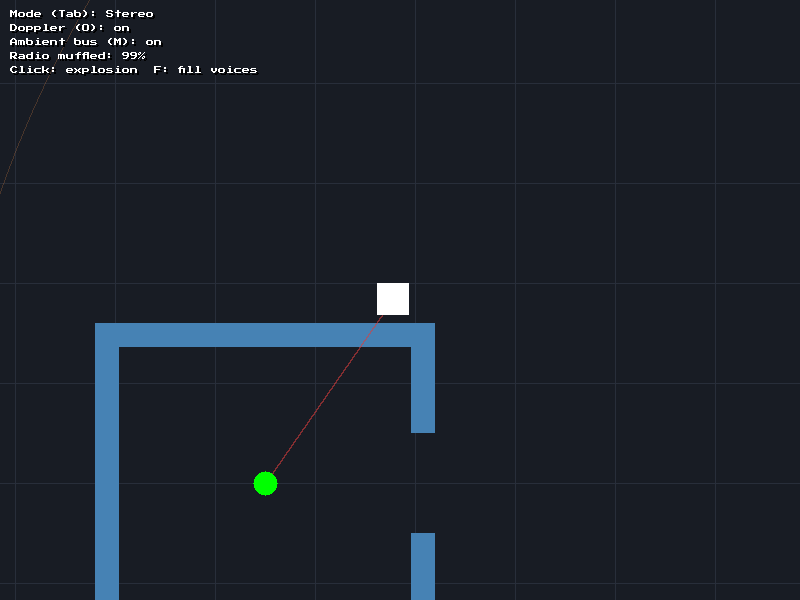
You are the listener. Walk around a radio behind walls and a fast-moving source.
asw::sound::play_positional()with a listener that follows the playerSoundHandlemoves a looping sound while it plays- Doppler pitch shift, and occlusion that muffles the radio behind walls
pitch_variationandvolume_variationon footsteps- Buses and ducking: explosions duck the ambient bus
- Priority-based voice stealing, and
StereoandSurroundspatial modes
Controls: WASD / arrows move. Left click makes an explosion. F fills every voice. Tab switches the spatial mode. O toggles doppler. M mutes the ambient bus.
Input
Keyboard
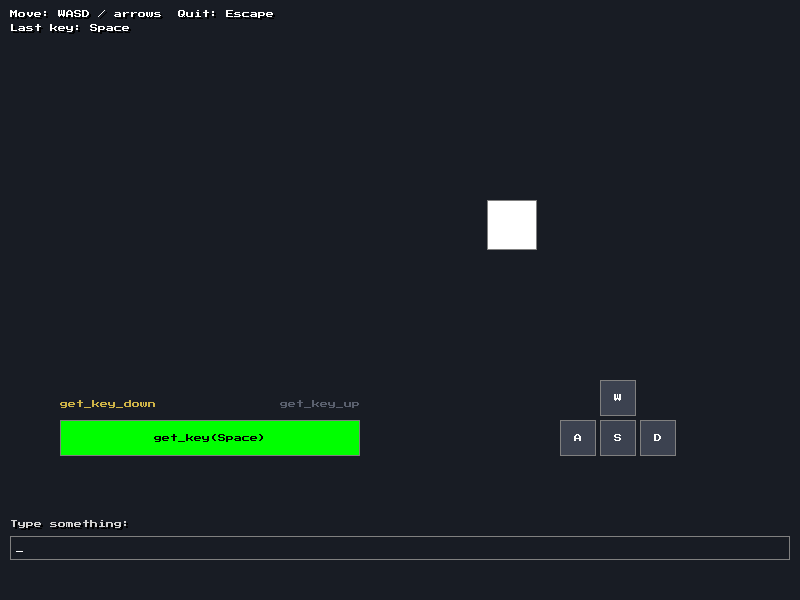
get_key()(held),get_key_down()andget_key_up()(this frame only)- Movement that does not change with frame rate, with
asw::core::get_delta_time() get_keyboard()for the last key pressed, andget_text_input()for typed text
Mouse
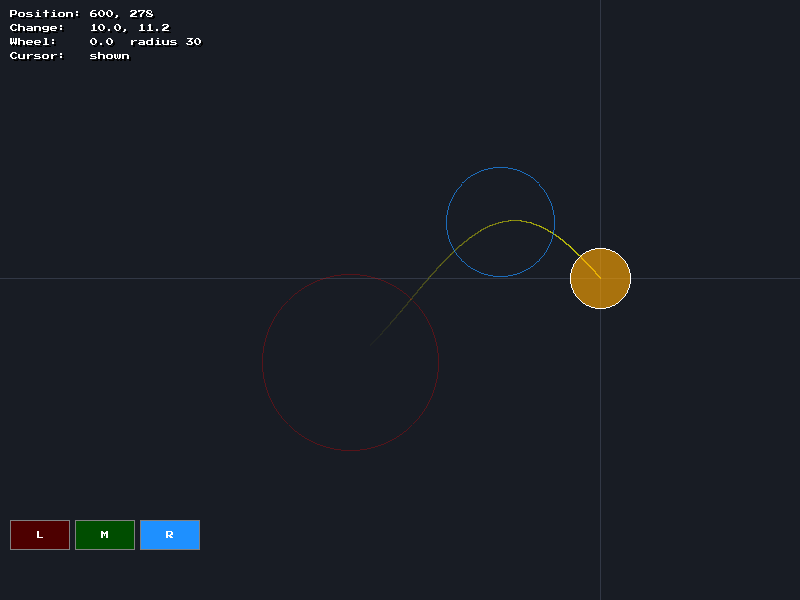
- Mouse position and movement (
get_mouse().position/.change) and the scroll wheel (.z) get_mouse_button(),get_mouse_button_down()andget_mouse_button_up()set_cursor()to change the system cursor, andset_cursor_visible()to hide it
Actions
bind_action()with each binding type: key, mouse button, controller button and controller axis- More than one binding on an action
get_action_down(),get_action()andget_action_up()to tap, charge and release a shotget_action_strength()for analog movement from a stickANY_CONTROLLER, so every connected controller controls the same actionsget_last_device()to show keyboard or controller prompts
Controller
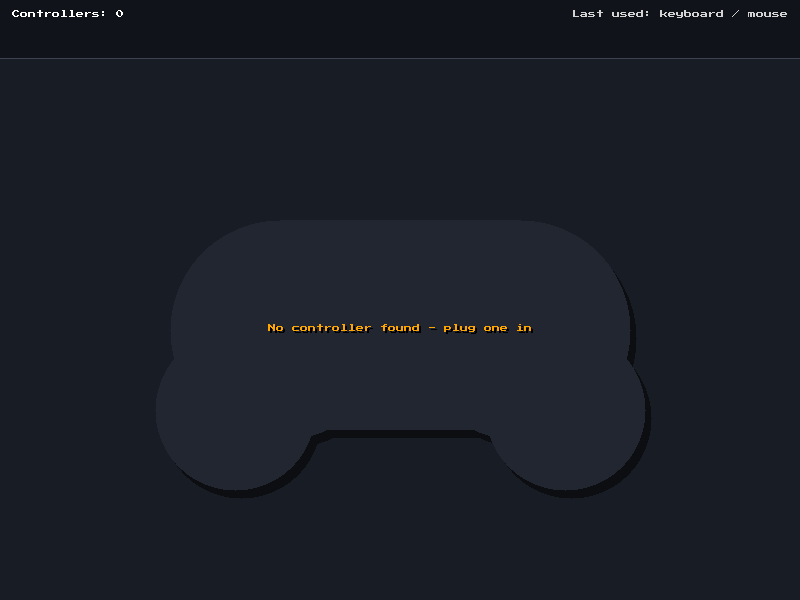
Shows each connected controller and lights up the sticks, triggers and buttons that you use. Controllers can be connected and disconnected while the example runs.
get_controller_count()andget_controller_name()get_controller_stick()for sticks, with a radial dead zoneget_controller_axis()for triggers (0 to 1)get_controller_button()andget_controller_button_down()ANY_CONTROLLERto read all connected controllers at onceset_controller_dead_zone()rumble_controller()andrumble_controller_triggers(), withcontroller_has_rumble()andcontroller_has_trigger_rumble()get_last_device()to tell keyboard players and controller players apart
Controls: A makes a short rumble. The trigger motors rumble as hard as you pull each trigger.